
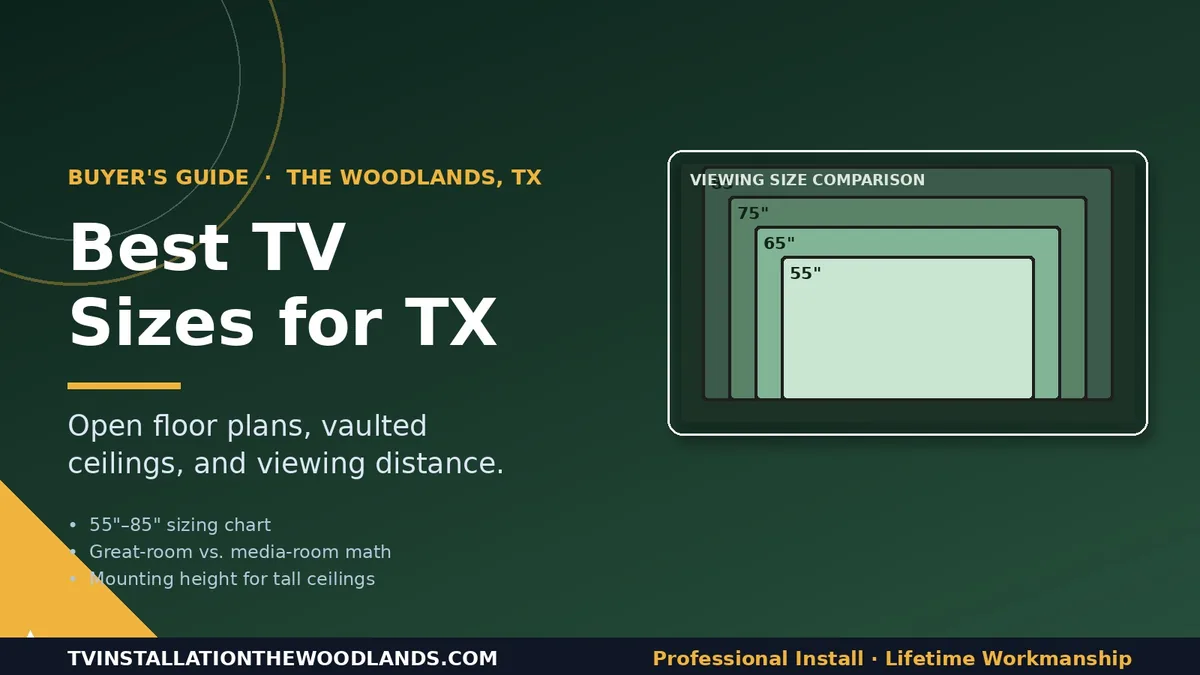
A practical sizing guide for great rooms, media rooms, and bedrooms in Woodlands homes.
“Should I get the 65 or the 75?” is the question we’re asked roughly twice a day during pre-install consultations in The Woodlands. The honest answer almost always comes down to one number: how far away you’ll be sitting from the screen. But there’s more to it in modern Woodlands homes — most have open-concept great rooms, vaulted ceilings, and viewing distances that don’t fit the standard “rule of thumb” charts you’ll find on big-box retailer websites. Here’s what we actually recommend, room by room.
The Real Sizing Math (and Why It Changed)
For decades, the standard advice was: viewing distance = TV diagonal × 2.5. That math came from the 1080p HD era when sitting too close revealed pixel structure. With 4K resolution being standard since 2018 and 8K creeping into the high end, the new rule is closer to viewing distance = TV diagonal × 1.5–1.8. You can sit much closer to a 4K display without seeing pixels, which means you can — and should — go bigger than you used to.
Here’s what that math actually looks like for the most common TV sizes:
-
55″ — Ideal viewing distance: 6.5’–8′
-
65″ — Ideal viewing distance: 8’–10′
-
75″ — Ideal viewing distance: 9’–12′
-
85″ — Ideal viewing distance: 10’–14′
-
98″+ — Ideal viewing distance: 13’+
If you’re inside that range, you’ve sized correctly. Outside it, you’re either neck-craning at something too small or sitting too close to something too large.
The Woodlands Great Room: Size Up
Most Woodlands homes built in the last 20 years have great rooms that combine living, dining, and kitchen into one open space. Sofa-to-TV distances in these rooms are typically 11’–16′, which is genuinely large — and the most common mistake we see is undersizing. A 55″ TV in a great room with a 14-foot viewing distance feels small enough that people stop using it for serious viewing.
For most great rooms in Creekside Park, Indian Springs, Sterling Ridge, and Carlton Woods, our sizing recommendation is:
-
Viewing distance 9’–11′: 65″ minimum, 75″ preferred
-
Viewing distance 11’–14′: 75″ minimum, 85″ preferred
-
Viewing distance 14’+: 85″ minimum, 98″ if you’re a serious watcher
The price gap between a 65″ and a 75″ TV is usually $400–$700 — a one-time cost that delivers years of better viewing. The gap between 75″ and 85″ is larger ($800–$1,500), but for true great-room distances, it’s still worth it for most homeowners.
Vaulted Ceilings: A Special Case
A lot of homes in Woodlands neighborhoods have vaulted or two-story great-room ceilings, which create two specific challenges:
-
The TV ends up mounted higher than ideal. Even at “low” placement, vaulted ceilings push the screen 5–7 feet up the wall, which means downward neck angle for seated viewing.
-
The wall above looks bare with a small TV. Visual proportion matters — a 55″ TV on a 20-foot vaulted wall looks like a postage stamp.
Both arguments push toward larger sizes (75″–98″) and tilting mounts that angle the screen down toward the seating area. We cover the tilt-mount specifics in our piece on TV mount types.
Dedicated Media Rooms: Calibrated for Distance
If you have a dedicated theater or media room (common in Carlton Woods and the higher-end builds in Sterling Ridge and Creekside Park), sizing changes again. These rooms typically have:
-
Controlled lighting (you can dim or eliminate ambient light)
-
Tiered or fixed seating with known distances
-
Acoustic treatment that improves audio at any distance
For a true media room with a 12’–14′ viewing distance, we recommend either an 85″–98″ TV or a 110″–135″ projector setup. Projectors win on “wow factor” and theater feel; TVs win on brightness, color, and zero-maintenance reliability. Our breakdown of the tradeoffs is in our older piece on projectors’ pros and cons, and the specifics of projector screens are covered in selecting fixed or motorized projector screens.
Bedrooms and Smaller Spaces
Bedrooms, kitchens, and home offices typically have viewing distances of 6’–9′, which puts you in 43″–65″ territory. A few tips for these rooms:
-
Master bedroom across from the bed: 55″–65″ almost always wins. Going larger feels overwhelming when reclining.
-
Kitchen counter or breakfast nook: 32″–43″ is usually right. Bigger here is awkward.
-
Home office or study: 43″–55″, typically wall-mounted at standing eye-level for dual use as a monitor.
Don’t Forget the Stand or Mount Considerations
One frequently overlooked factor: not every room can fit the TV size that’s “right” for the viewing distance. Wall width, doorway placement, window placement, and existing architectural features all constrain your real options. We always do a site walk before quoting larger installs to confirm the wall can actually accommodate the size you’re considering — including clearance for an articulating mount’s full range of motion if you choose one.
Audio scales with TV size too. A bigger screen in a bigger room demands proportionally bigger sound. The TV’s built-in speakers won’t fill a great room regardless of size; you’ll want at minimum a soundbar (and in larger rooms, a soundbar plus subwoofer or a proper 3.1/5.1 system). Our guides on speaker placement and wireless speakers cover what works in different room types.
When in Doubt, Go Bigger
The single most consistent feedback we get from customers six months after install is, “I should have gone bigger.” We almost never hear the opposite. With 4K being the baseline resolution, with HDR delivering significantly better picture quality on premium panels, and with viewing distances in modern Woodlands homes being what they are, the era of “you’ll regret going too big” is largely over. If you’re stuck between two sizes, take the larger one — and if you want a sanity check before committing, send us your room dimensions and where the seating sits, and we’ll tell you what we’d put in our own house at that distance.
For pricing once you’ve picked a size, our breakdown of TV mounting costs in The Woodlands covers what installation runs for each TV size and wall type.
Picked a size? See pricing on our TV installation services page, or if you’re planning a full system around the new TV, our home theater installation services cover speakers, AV receivers, and calibration.